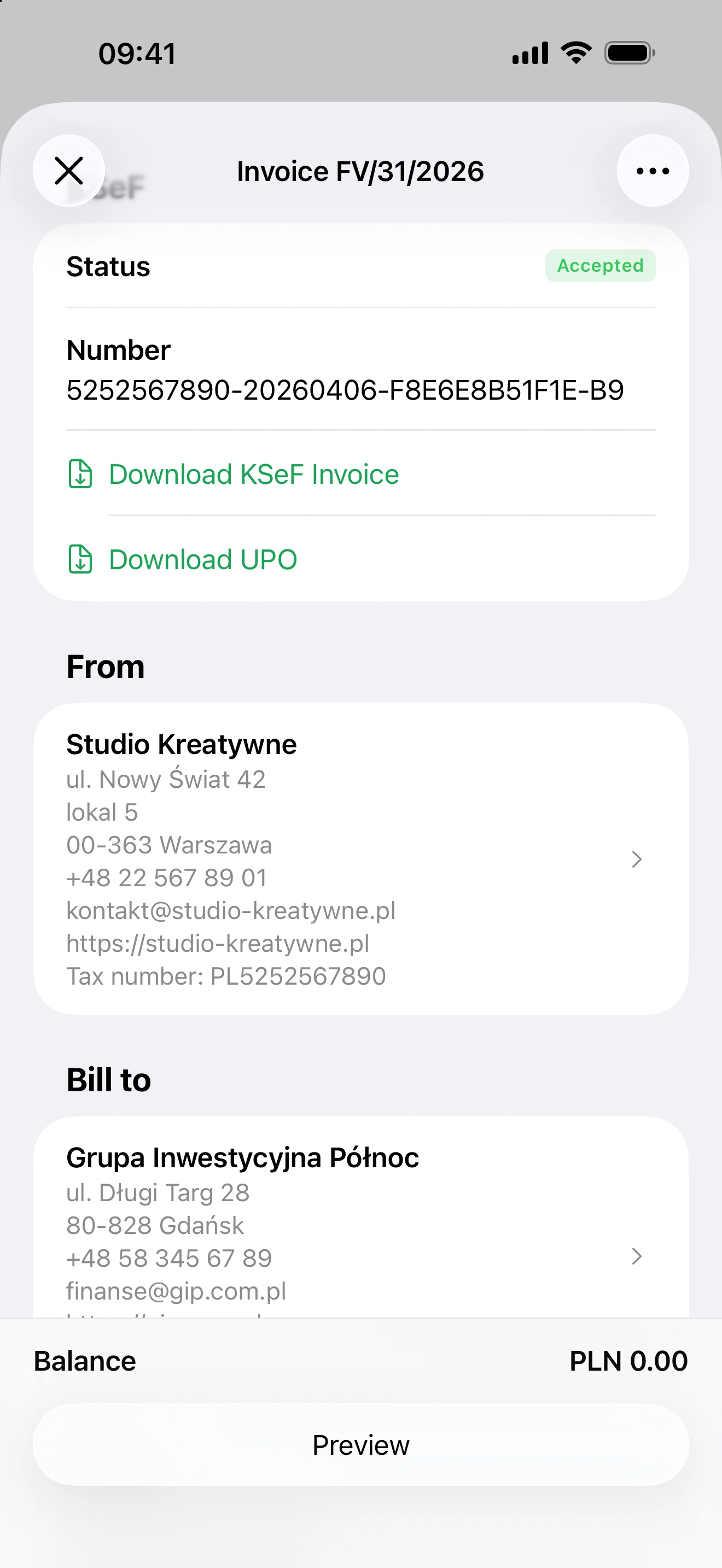
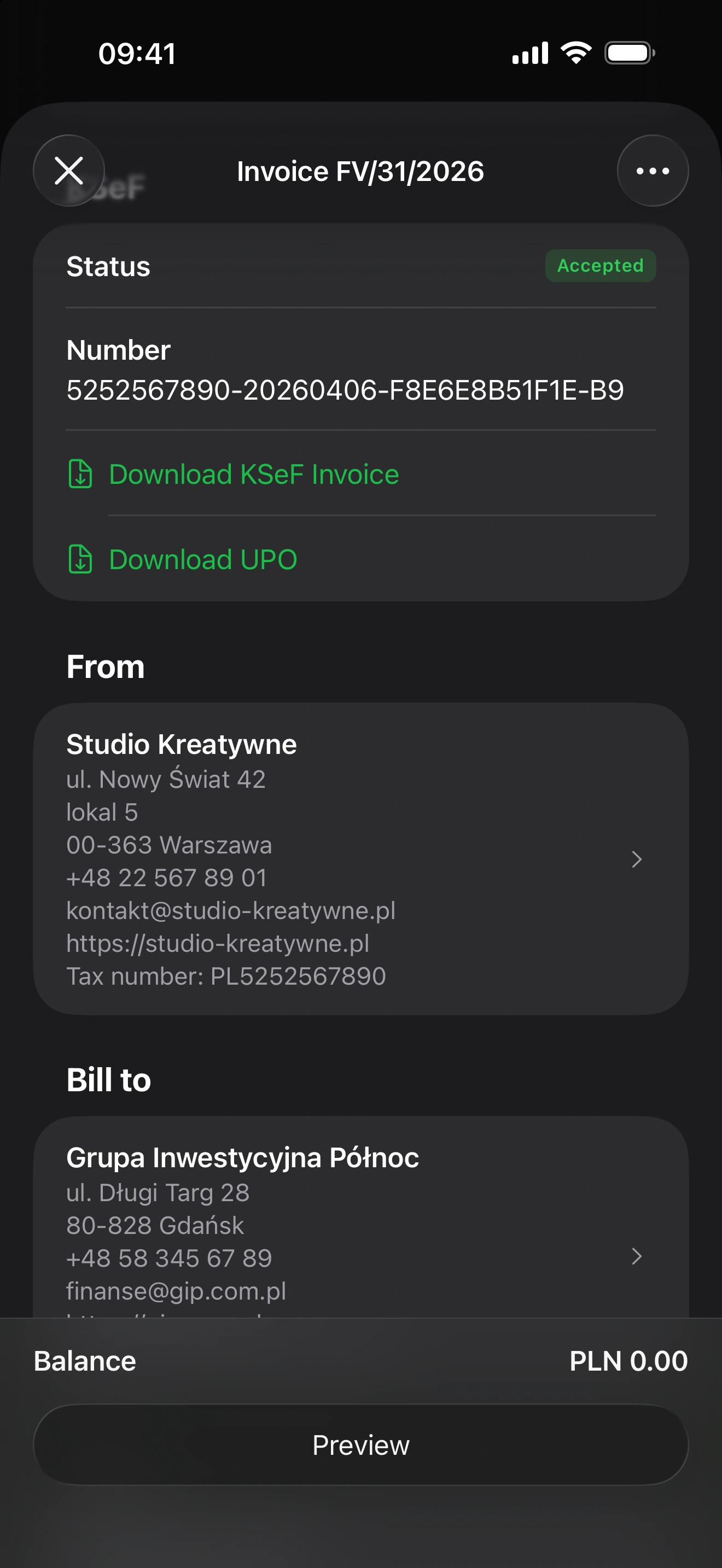
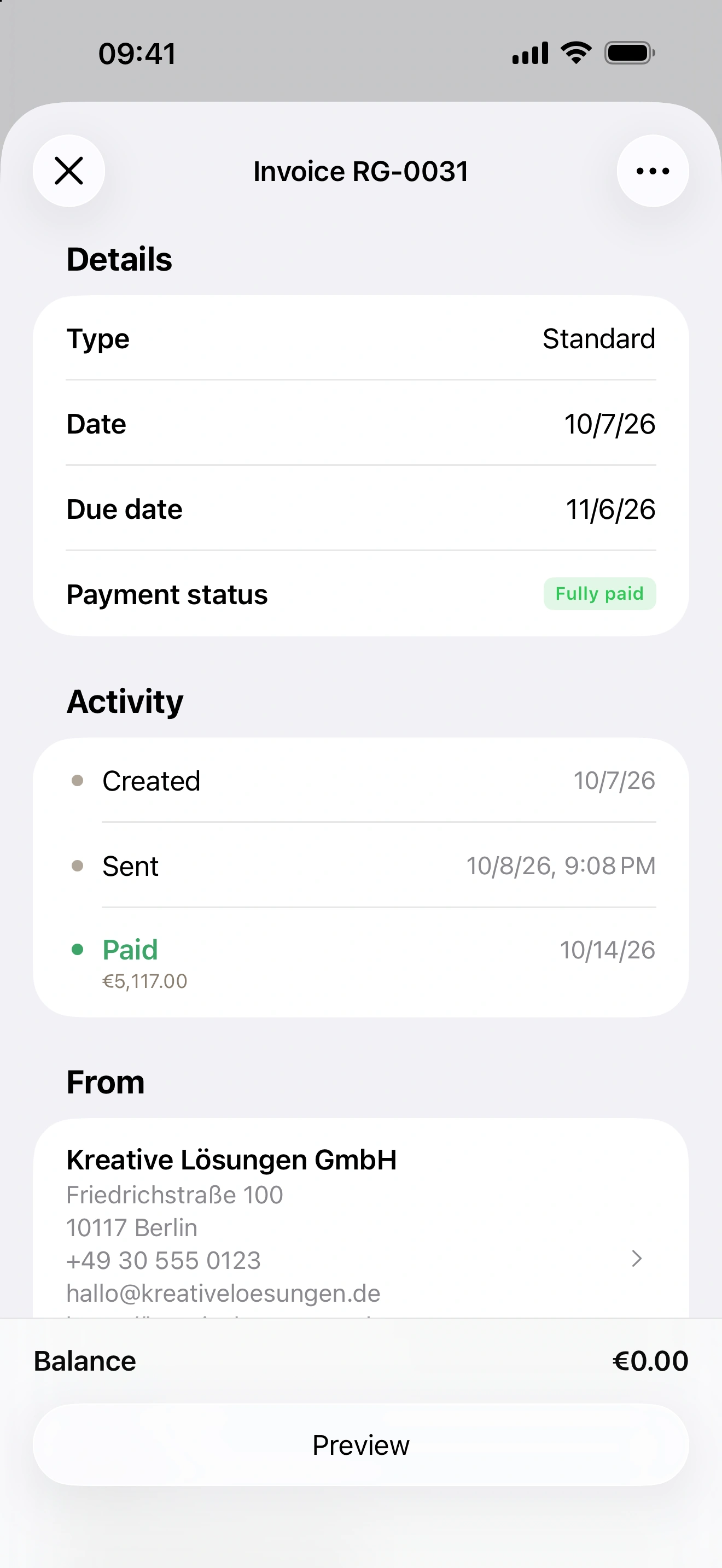
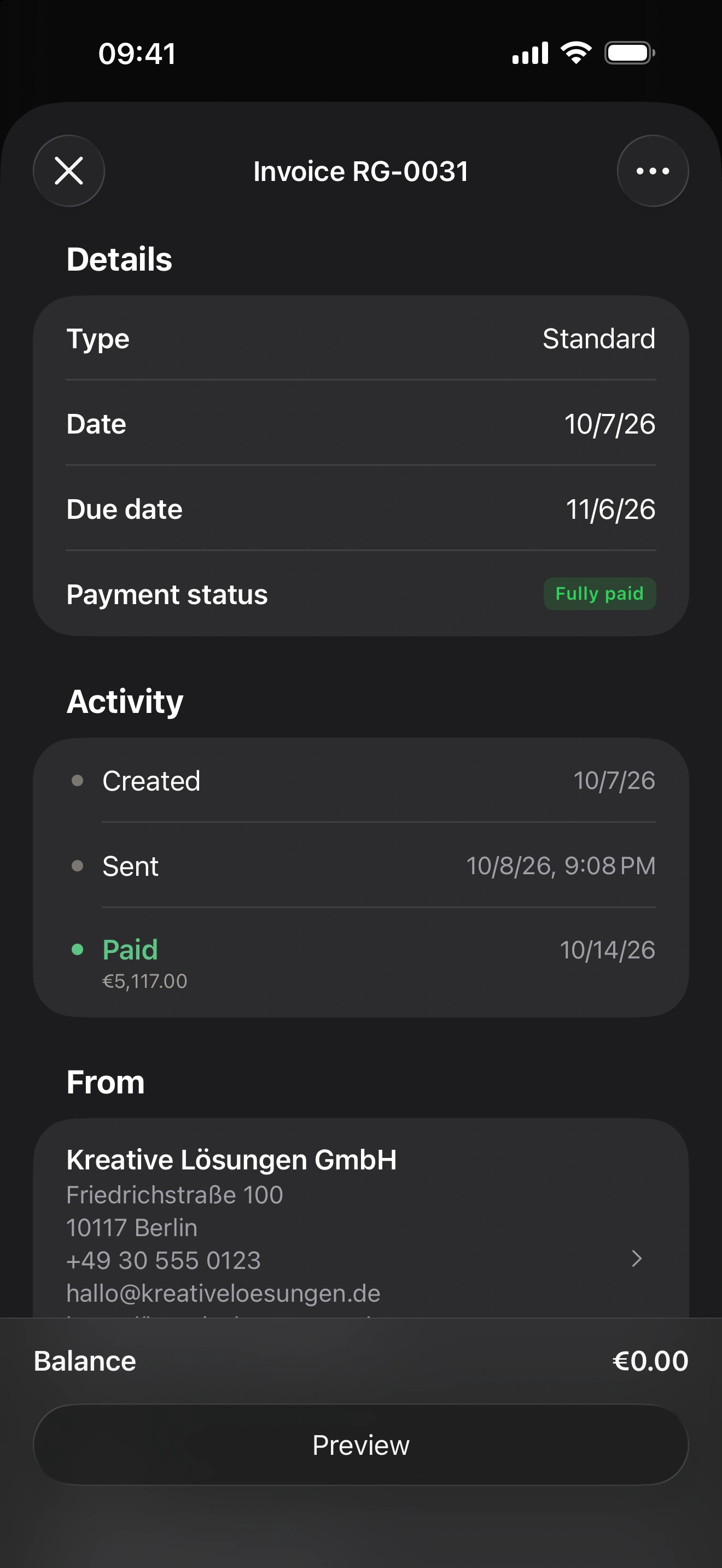
Peppol is how e-invoices travel between businesses in much of Europe: not as a PDF in an email, but as structured data delivered straight into the recipient's accounting software. Belgium has made it the norm for business-to-business invoices, Norway and the Netherlands have run their public sectors on it for years, and Germany accepts it as one of the routes for the e-invoice it now requires. This guide explains what the network is, who has to use it and when, and how to send and receive your first Peppol invoice with Invoice.app.
In short: you register your company once, add your client's Peppol identifier, and send. With an invoicing app with Peppol support like Invoice.app the technical side — the format, the validation, the access point — is taken care of.
What is Peppol?
Peppol (Pan-European Public Procurement On-Line) is a network for exchanging business documents, run by the non-profit OpenPeppol. It works a little like email, with three differences that matter to you:
- Every participant has an address — a Peppol identifier made of a scheme and a number, such as 0192:987654321 for a Norwegian organization number or 0208:0848934496 for a Belgian enterprise number. Addresses are published in the Peppol directory, so a sender can check that a company is reachable before sending.
- Nobody connects directly. Companies send and receive through a certified access point; the access points talk to each other. Invoice.app registers your company through its access point, so you never deal with one yourself.
- The document has a fixed shape. Invoices and credit notes travel as UBL 2.1 XML in the Peppol BIS Billing 3.0 profile, which implements the European standard EN 16931 — the same standard behind Germany's ZUGFeRD and XRechnung. Every document is validated against the EN 16931 and Peppol rules before it leaves.
Who has to use Peppol, and when
The obligation differs by country, and in two of the four it is still moving. The table gives the state of play; the official portals linked at the end are the place to confirm your own case.
| Country | What applies |
|---|---|
| Belgium | Since 1 January 2026, invoices between VAT-registered businesses established in Belgium must be structured e-invoices (EN 16931), and Peppol is the default channel for exchanging them. The tolerance period ended on 31 March 2026. Near-real-time e-reporting is planned for 2028. |
| Norway | Suppliers to the public sector have long had to invoice electronically in EHF, Norway's Peppol-based format. For business-to-business invoices the government has moved to make e-invoicing mandatory from 1 January 2027, with receipt and digital bookkeeping following in 2030; the detailed format regulation was still being finalised when this guide was written. |
| Germany | Every business has had to be able to receive EN 16931 e-invoices since 1 January 2025; issuing becomes mandatory on 1 January 2027 for businesses above €800,000 turnover and on 1 January 2028 for all. The obligation is about the format, not the channel: Peppol is one accepted way to deliver the invoice, email is another. Public-sector invoices (XRechnung, addressed by Leitweg-ID) can reach the federal platforms through Peppol. |
| Netherlands | Suppliers to central government have had to e-invoice since 2017, and every public body has accepted EN 16931 e-invoices over Peppol since April 2019. For business-to-business invoices the government is preparing a mandate for 2030, in step with the EU's ViDA rules for cross-border trade; whether Peppol becomes the required channel had not been settled when this guide was written. |
Even where nothing is mandatory yet, Peppol has a practical pull: once your clients' accounting systems can receive e-invoices, an invoice that arrives as data gets booked — and paid — faster than one that arrives as a PDF to be retyped.
Which identifier your company uses
Your Peppol address is derived from an identifier you already have. Invoice.app picks the scheme from your company's country:
- Norway — the organization number (scheme 0192), nine digits.
- Belgium — the enterprise number (scheme 0208), ten digits.
- Germany and the Netherlands — the VAT ID (schemes 9930 and 9944). German public buyers are addressed by their Leitweg-ID (scheme 0204) instead; the app uses it when the client's reference is a valid one.
The same applies to your clients: enter their Peppol ID in the client form, or leave it empty and let the app derive it from their VAT ID. An email address is not a Peppol address — a client without one of the identifiers above cannot be reached on the network.
Sending e-invoices through Peppol with Invoice.app
Step 1 — Register your company
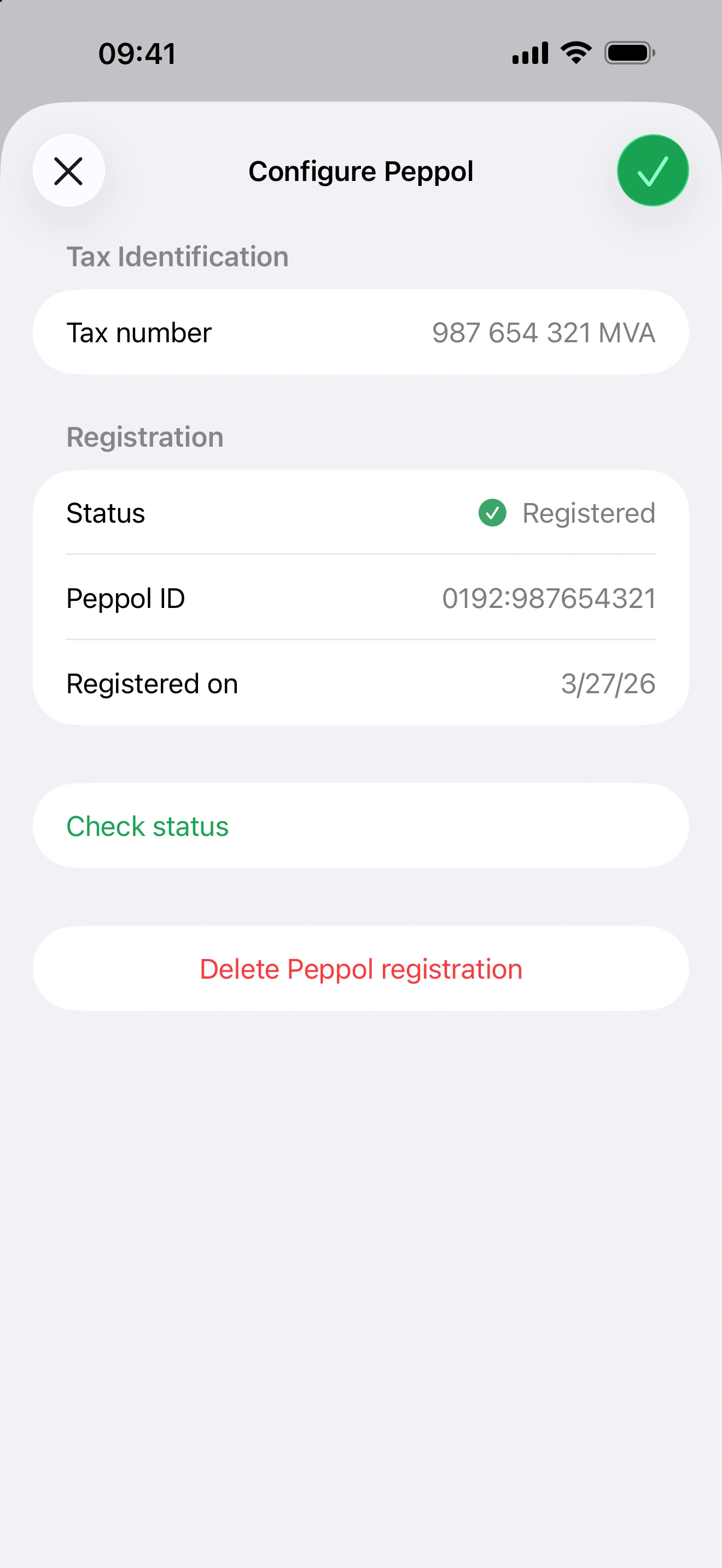
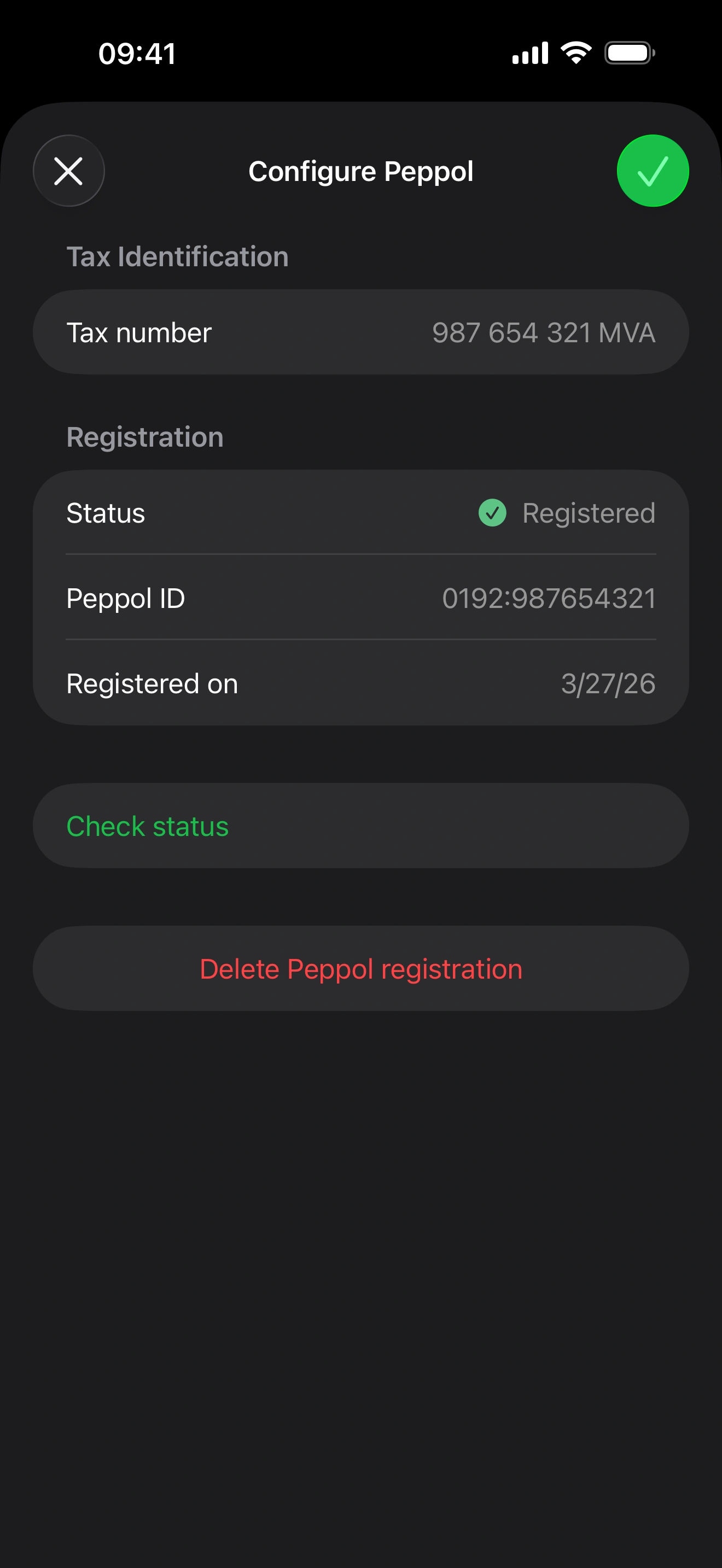
Open your company settings and the Peppol section. Invoice.app shows the identifier it will register your company under and asks one question: whether you also want to receive invoices through Peppol. After you register, a person authorized to act for your company confirms their identity at a link from the access point; the company is live on Peppol right after. Peppol needs a Starter or Premium plan.
Already receiving e-invoices through another service? On Peppol an address can be published for receiving by one service at a time — your accounting software, your bank or another access point may hold it today. You can still register in Invoice.app with Receive invoices switched off and send from here. To move receiving to Invoice.app, first ask the other service to deregister (unpublish) your company from Peppol — service providers are required to release an address when the customer leaves — and then register in Invoice.app with receiving on. The receive choice is made at registration: if you registered send-only earlier, delete the Peppol registration in the company settings and register again with receiving on.
Step 2 — Give your client a Peppol ID
On the client form, fill in the Peppol ID field as scheme:identifier, or leave it empty to derive it from the client's VAT ID. Peppol also requires a client reference or a purchase order number on every invoice; if the invoice has none, the client's reference is used.
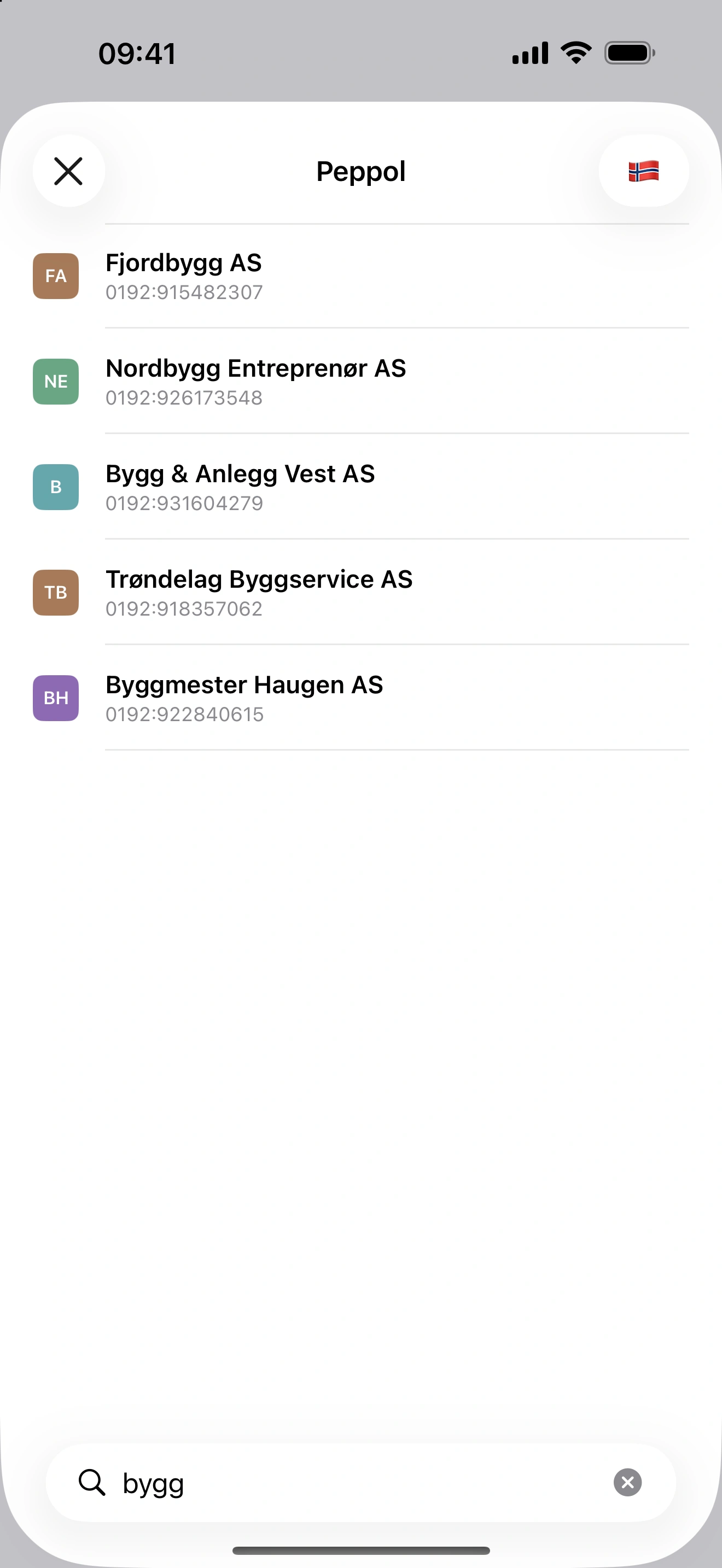
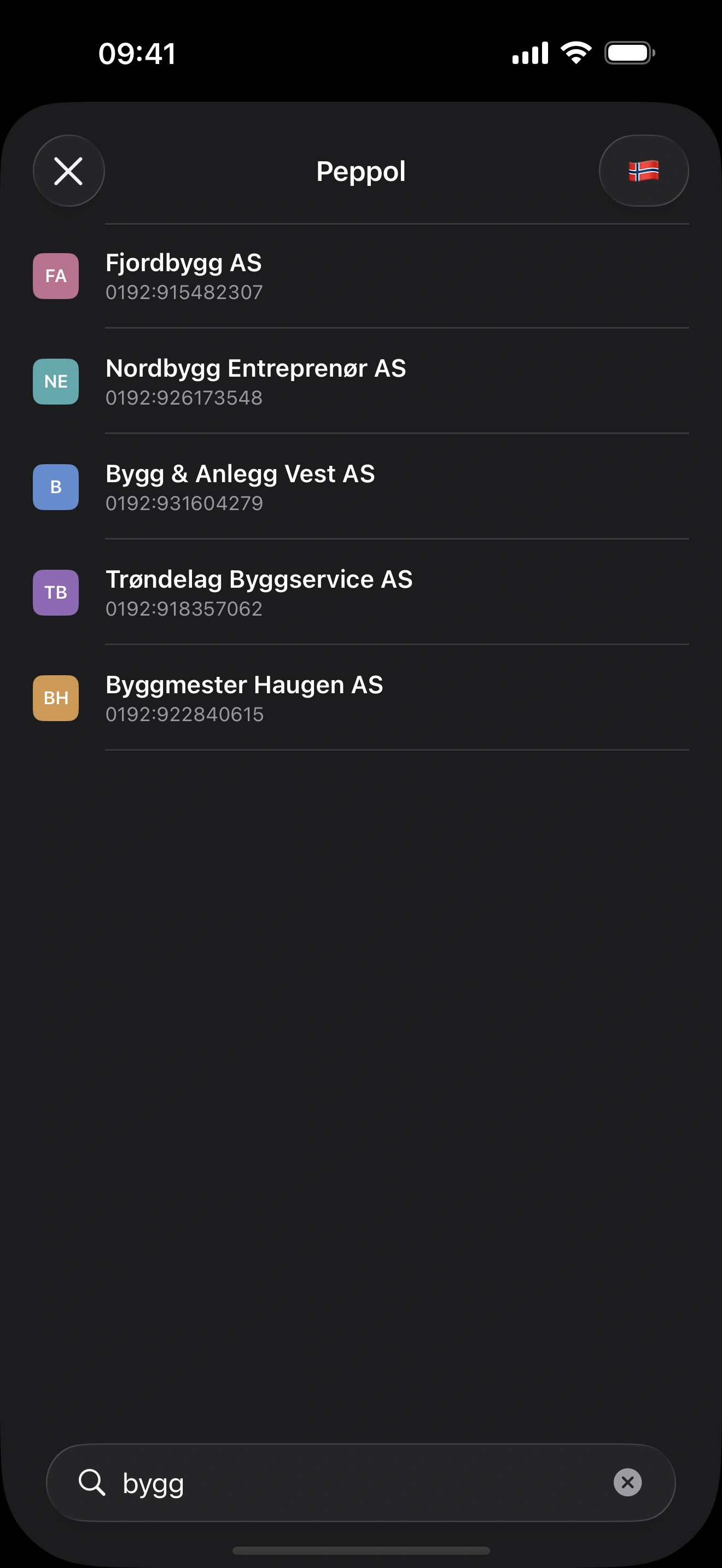
No Peppol ID at hand? On the Clients screen, tap + and choose Search Peppol. Type at least three letters of the company's name, pick its country and choose it from the Peppol directory: it becomes a new client with its name, country and Peppol ID filled in. Not every company is listed in the directory; if you can't find one, ask the client for its Peppol ID.
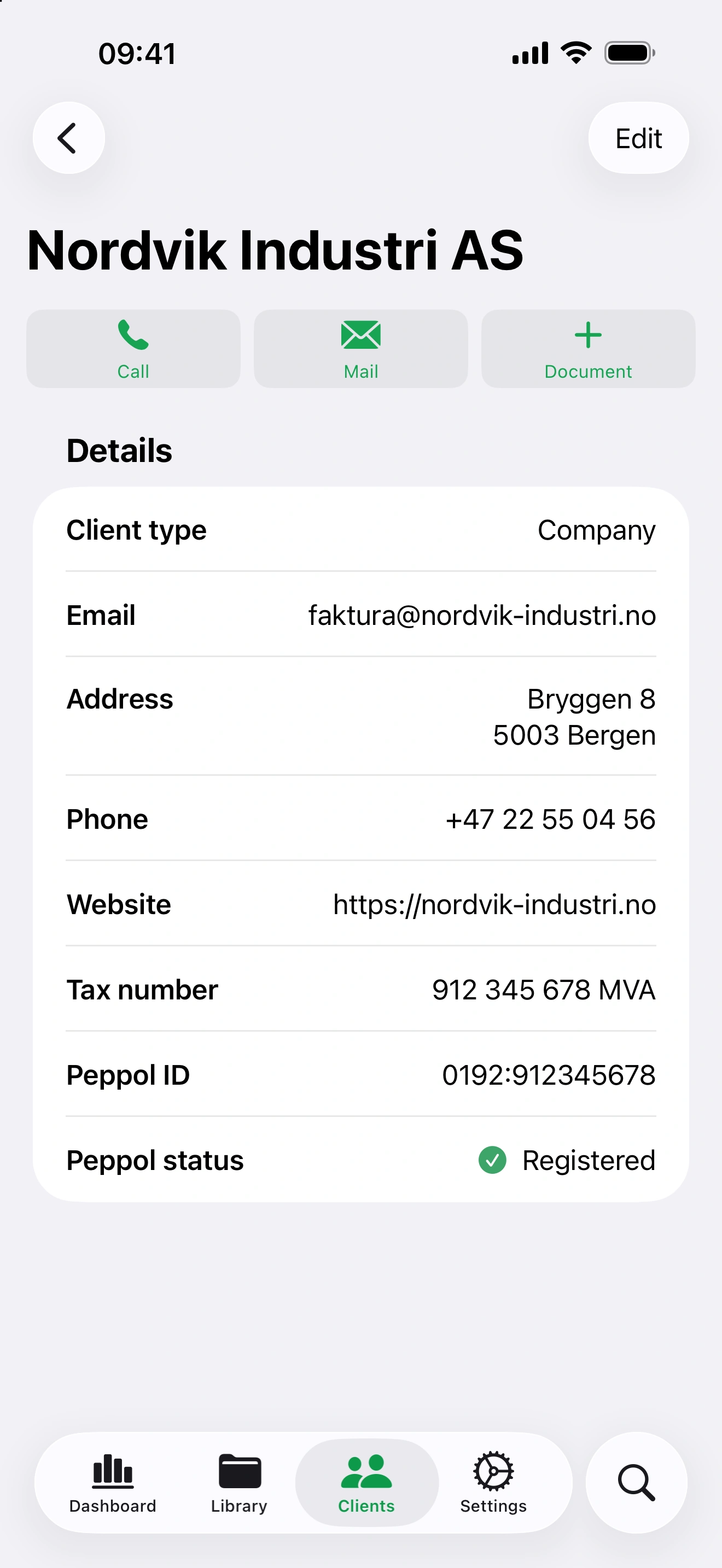
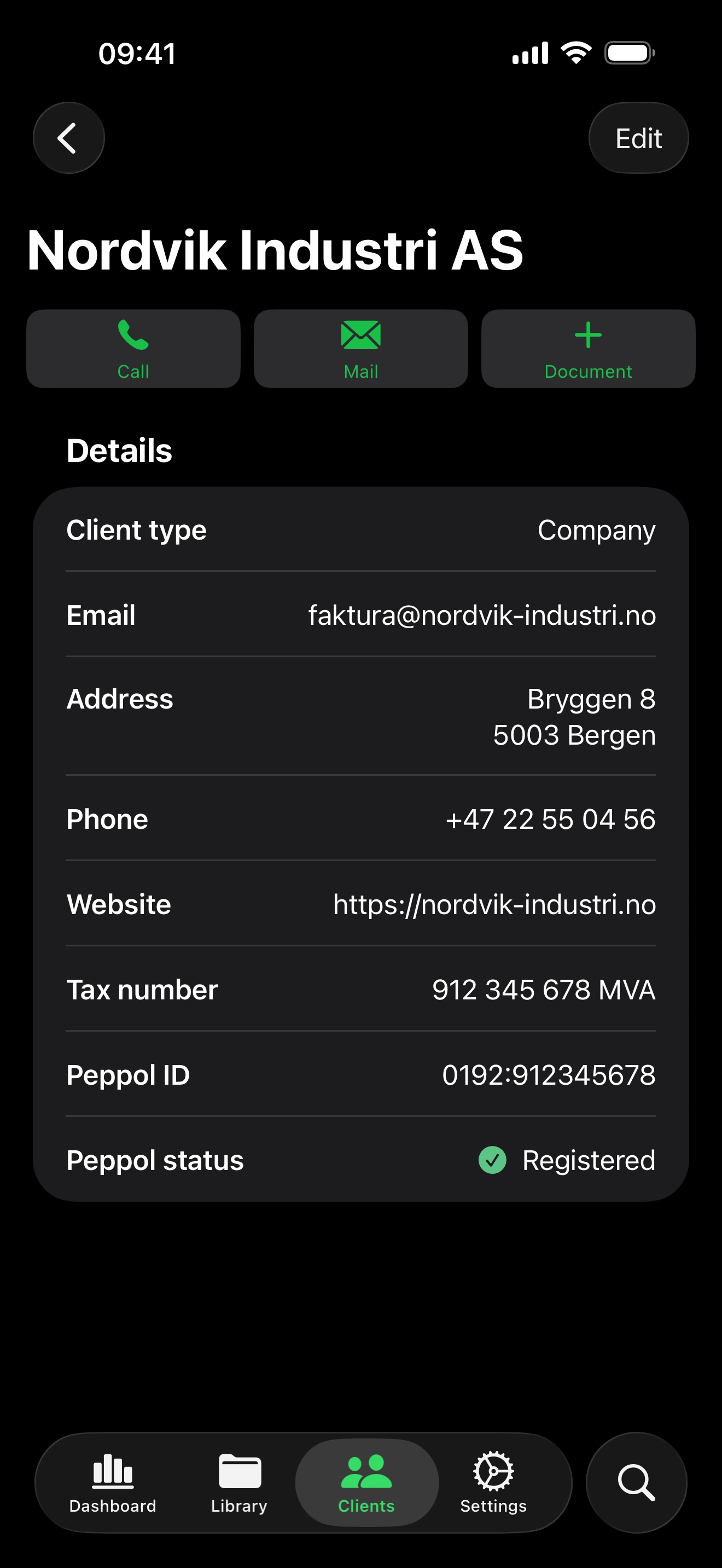
The client's details then show its Peppol status: Registered when it can receive Peppol invoices, Not registered when it can't. Invoice.app checks again whenever the client's identifiers change, and once more before every send.
Step 3 — Send
Create the invoice as usual and choose Send via Peppol. Invoice.app looks the recipient up in the Peppol directory, validates the e-invoice against the EN 16931 and Peppol rules and hands it to the access point. If anything is missing — the client's address, a reference, a tax category the standard does not allow — you see the list before anything is sent, with a button that opens the right form. Once a document is on the network it can no longer be edited or deleted; corrections are a new document (see below).
Step 4 — Follow the delivery
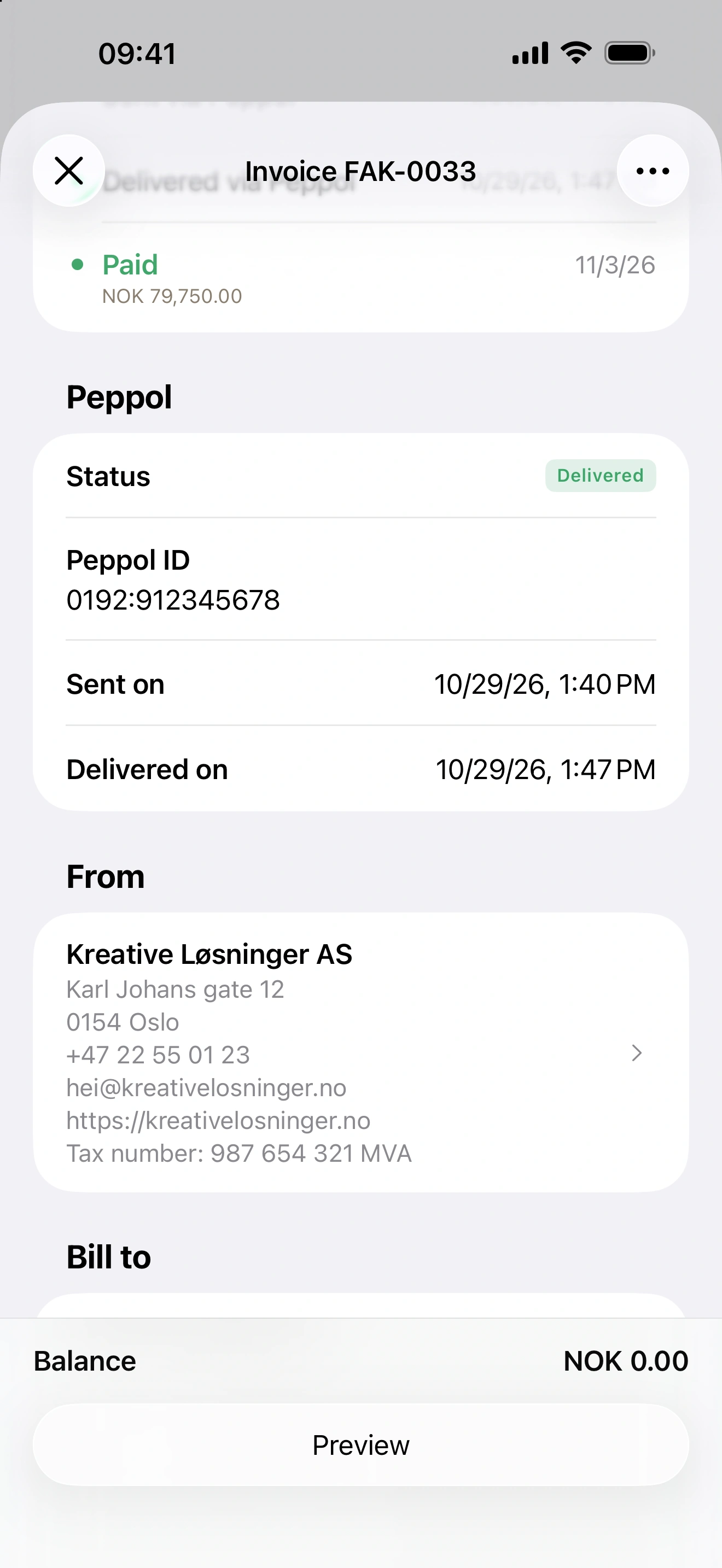
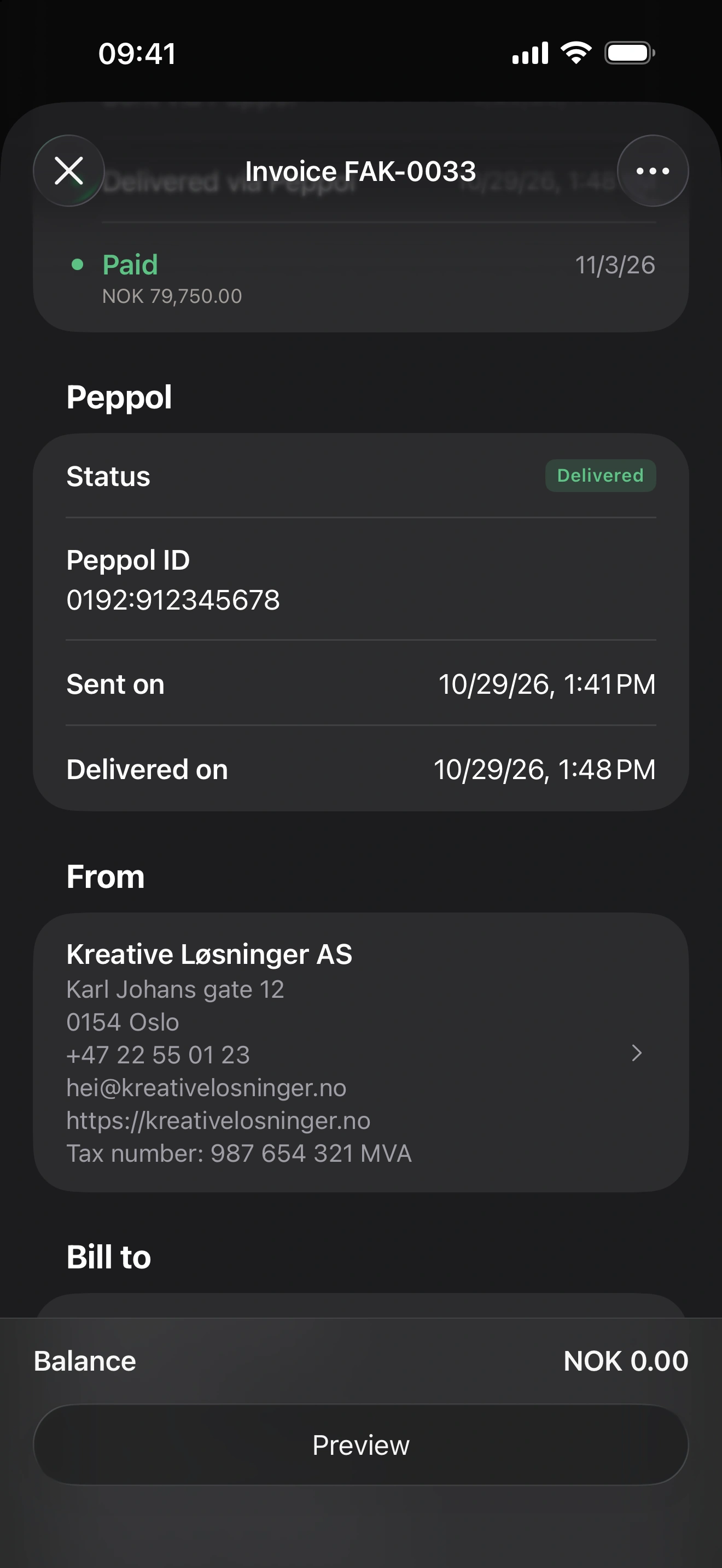
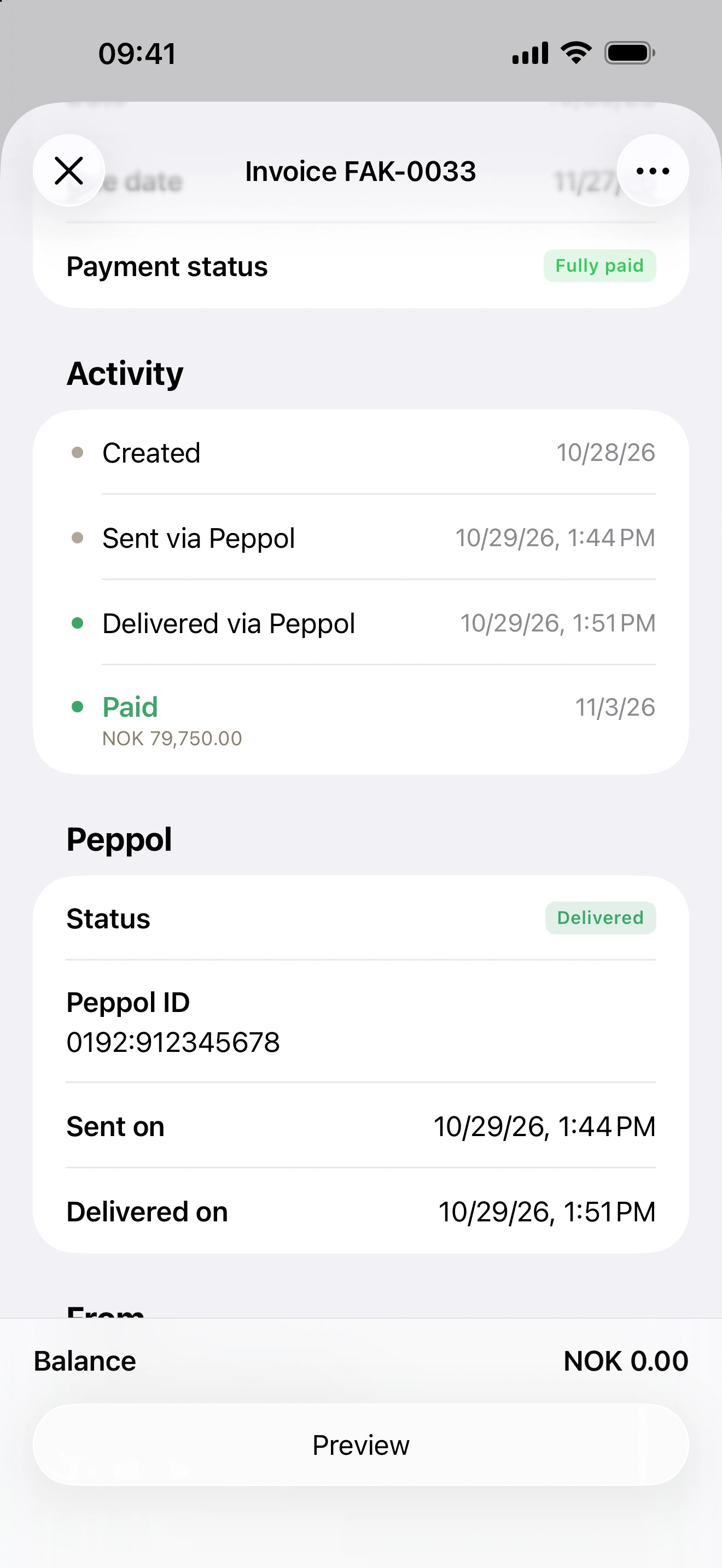
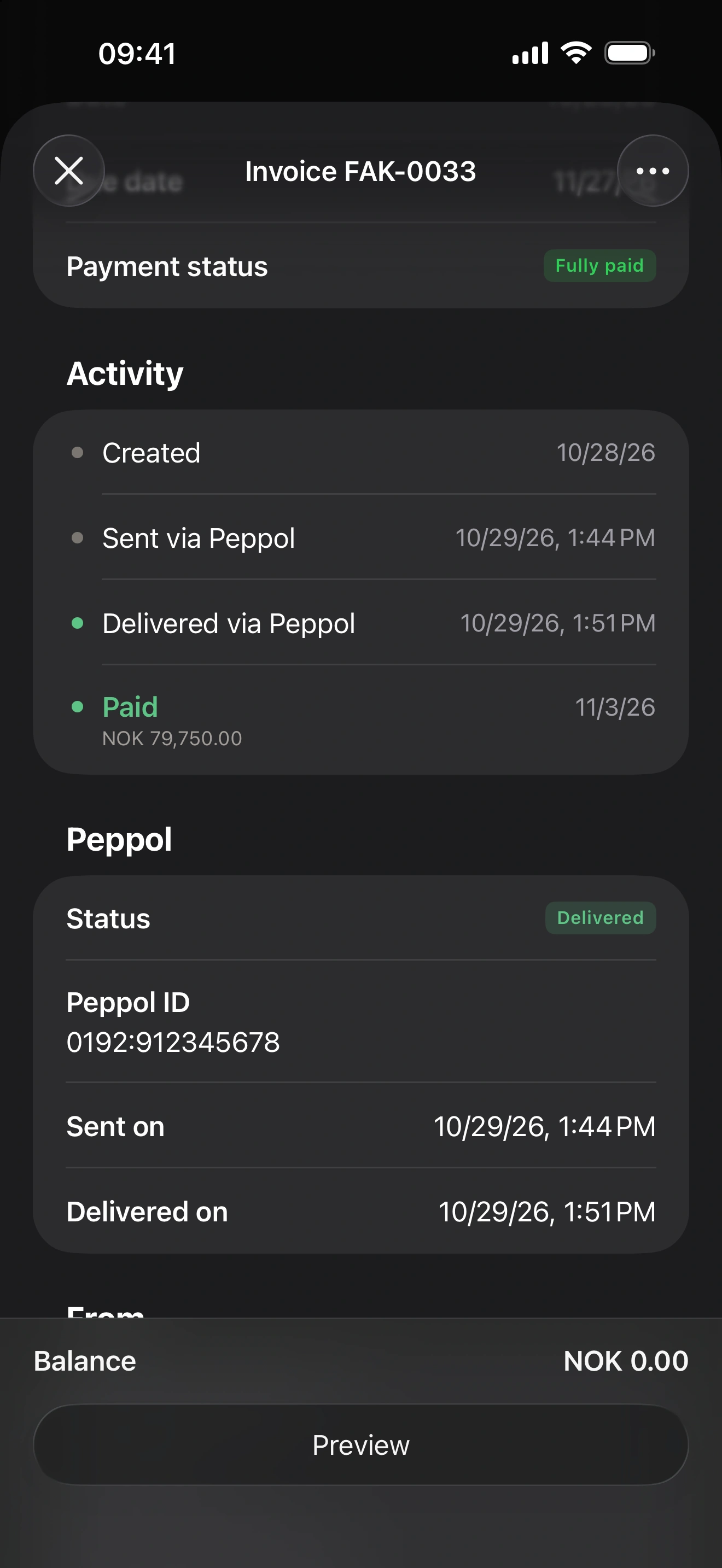
The document's activity shows when it was sent and when the network confirmed delivery to the recipient's access point. If the network rejects it, the reason is shown and the document can be edited and sent again. A push notification tells you about deliveries, rejections and received documents; you can turn it off per company.
Receiving invoices through Peppol
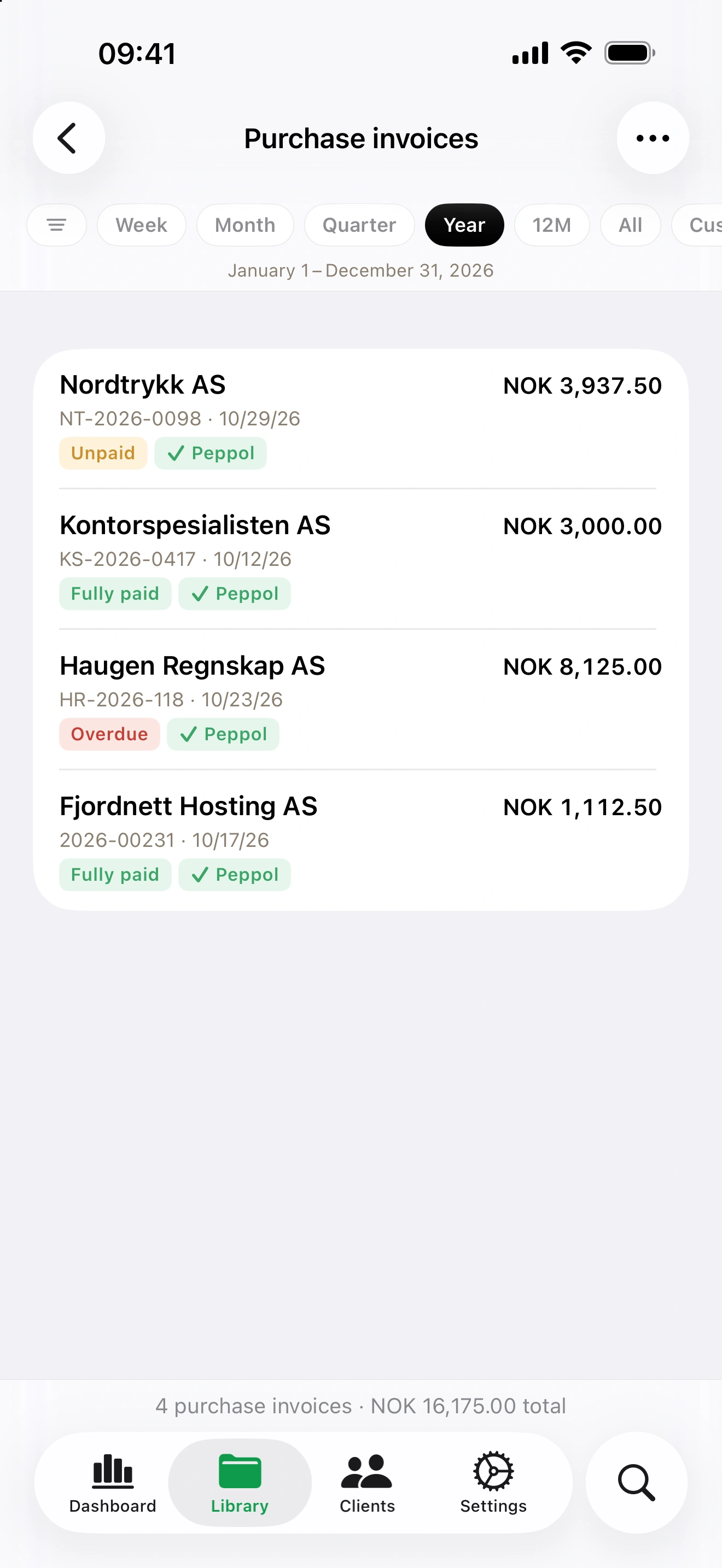
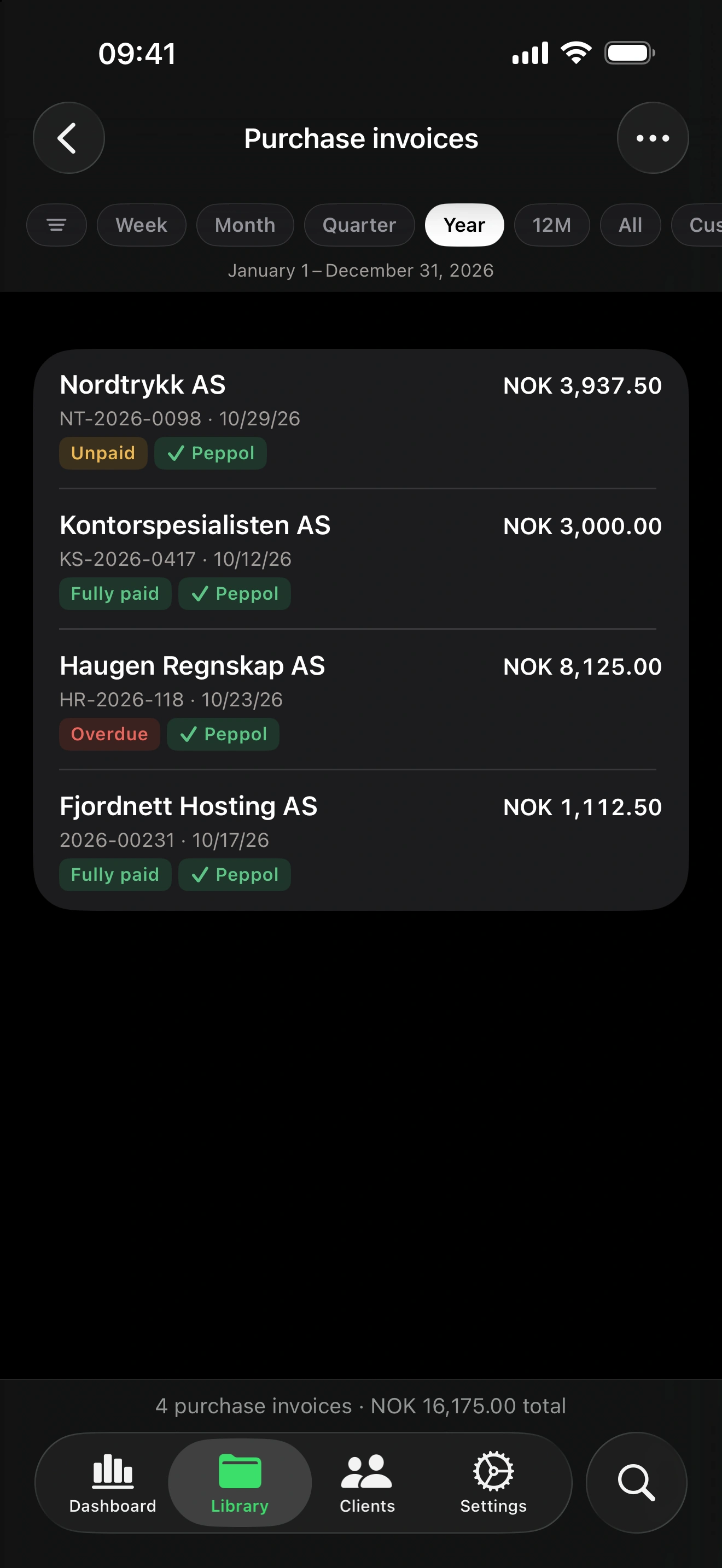
With receiving turned on, the invoices your suppliers send to your Peppol address arrive in Invoice.app as purchase invoices, with the original XML attached and read-only, so they match what the supplier sent. They appear in the purchase invoices list, with your other costs.
Two kinds of documents are not filed: supplier credit notes and document types other than invoices. They are kept so you can download the original file from the Peppol screen, and you are notified when one arrives.
What Peppol costs
The Peppol network charges a fee for every document it carries, in both directions. Rather than raising the subscription for everyone, Invoice.app passes that fee on as credits: one credit for each e-invoice you send or receive through Peppol, bought in the app in packs of 10, 50 or 100. Credits never expire, and a transmission that fails returns its credit. Peppol itself needs a Starter or Premium plan.
Correcting an invoice sent through Peppol
A document on the network is final. To correct it, issue a credit note for the original and a new invoice; both travel through Peppol like any other document. German companies invoicing German clients can instead send a correction (invoice type 384) from the invoice form, as they do for ZUGFeRD and XRechnung — Peppol only allows that document type between two German parties.
The most common pitfalls
- The client is not reachable on Peppol. The client has no Peppol ID, or the identifier you entered is not published in the directory. Ask the client for their Peppol ID — many print it on their invoices.
- No reference on the invoice. Peppol requires a client reference or a purchase order number. Fill one in on the invoice, or set a standing reference on the client.
- Your own identifier is missing or invalid. Registration needs the organization or enterprise number, or the VAT ID, exactly as issued — check it in the company settings.
- An unstructured address. EN 16931 wants street, postcode, city and country as separate fields, for your company and for the client.
- An unsupported tax category. Use a built-in VAT rate or one of the categories EN 16931 knows (exempt, intra-community supply, export, reverse charge); a custom 0% rate is not enough.
Good to know
- Only invoices and credit notes travel through Peppol. Estimates and purchase orders do not.
- Delivered means delivered to the access point. The network confirms that the recipient's access point accepted the document; whether the recipient approves or pays it is a matter between you and them.
- One receiver per address. Sending through Invoice.app never affects who receives for you; only the receive registration is exclusive (see step 1 for switching it over).
- Deleting the registration removes your company from the network; the documents already exchanged stay in the app.
This article is general orientation and does not replace tax or legal advice. Deadlines and scope are set by each country's legislation; confirm your own obligations with your adviser or the official portals below.
Useful links
- Peppol in Invoice.app — all the details of the feature
- peppol.org — OpenPeppol, the organization behind the network
- efactuur.belgium.be — the Belgian government's e-invoicing portal
- anskaffelser.no — DFØ, the Norwegian Peppol authority (EHF)
- e-rechnung-bund.de — e-invoicing for the German federal administration
- logius.nl — the Dutch Peppol authority
FAQ — common questions about Peppol
What is a Peppol ID?
Your company's address on the network: a scheme and an identifier, such as 0192:987654321 for a Norwegian organization number or 0208:0848934496 for a Belgian enterprise number. Invoice.app derives it from the identifier your country uses — the organisation or enterprise number, or the VAT ID — and publishes it when you register.
Do I need a Peppol ID for my clients?
Yes, to send to them. Enter the client's Peppol ID on the client form, or leave it empty and the app derives it from their VAT ID. Before sending, Invoice.app checks that the address is reachable on the network. An email address is not a Peppol address. No ID at hand? Search Peppol on the Clients screen finds the business by name and adds it with its Peppol ID.
Is Peppol mandatory?
In Belgium, structured e-invoices between VAT-registered businesses have been mandatory since 1 January 2026, with Peppol as the default channel. Norway and the Netherlands require it for invoices to the public sector and are preparing business-to-business mandates (2027 and 2030). Germany requires the EN 16931 format, not Peppol itself. Check the official portals for your own case.
What does Peppol cost in Invoice.app?
A Starter or Premium plan plus credits: the network charges per document, so each e-invoice you send or receive through Peppol uses one credit. Credits are bought in the app in packs of 10, 50 or 100, never expire, and a failed transmission returns its credit.
Can I receive invoices through Peppol?
Yes. Turn on receiving when you register, and the invoices your suppliers send to your Peppol address arrive as purchase invoices with the original XML attached. Supplier credit notes and other document types are not filed yet; their files are kept for download.
What happens if the client's system rejects the invoice?
The document's activity shows the rejection and the reason the network gave. The credit is returned, the document can be edited again, and you send it once more after fixing the cause.
How do I correct an invoice sent through Peppol?
Issue a credit note for the original and a new invoice; both travel through Peppol. Between two German parties you can send a correction (type 384) instead — Peppol allows that document type only there.
My company already receives e-invoices through another service. Can I still use Invoice.app?
Yes. Register with 'Receive invoices' switched off and send from Invoice.app; receiving stays with the other service. To move receiving over, have the other service deregister your company from Peppol first — an address can be published for receiving by one service at a time — then register in Invoice.app with receiving on (delete the earlier send-only registration first if you made one).
Which countries are supported?
Companies registered in Norway, Belgium, Germany and the Netherlands. France is on the roadmap; the app shows the Peppol section only where it is available.