Invoice.app iconInvoice.app

Create stunning invoices, track performance, and grow your business

The all-in-one invoicing app for freelancers and small businesses. Available on iOS, Android, and the Web.


Download on the App StoreGet it on Google PlayOpen the web app
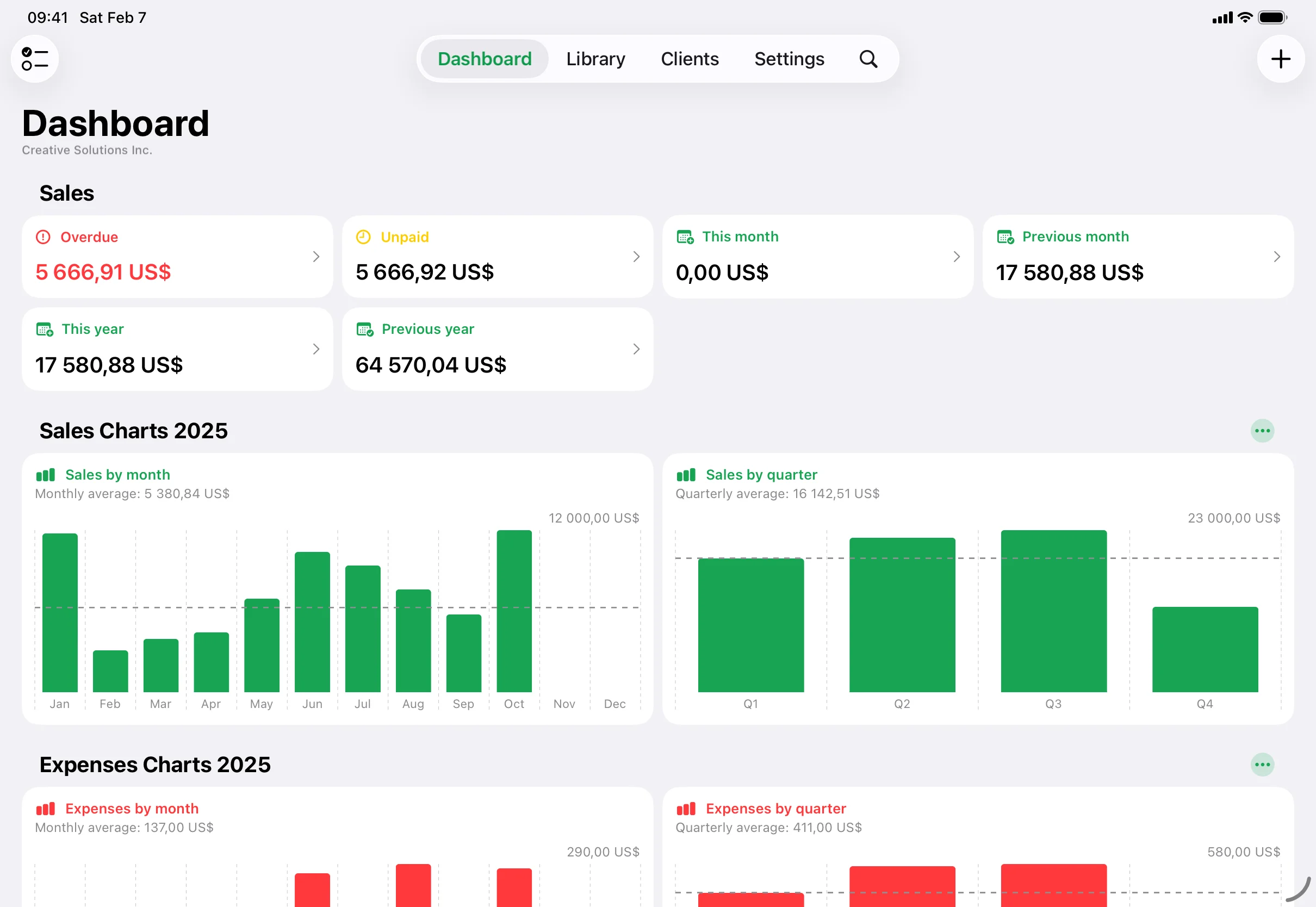
Invoice.app dashboard on iPad
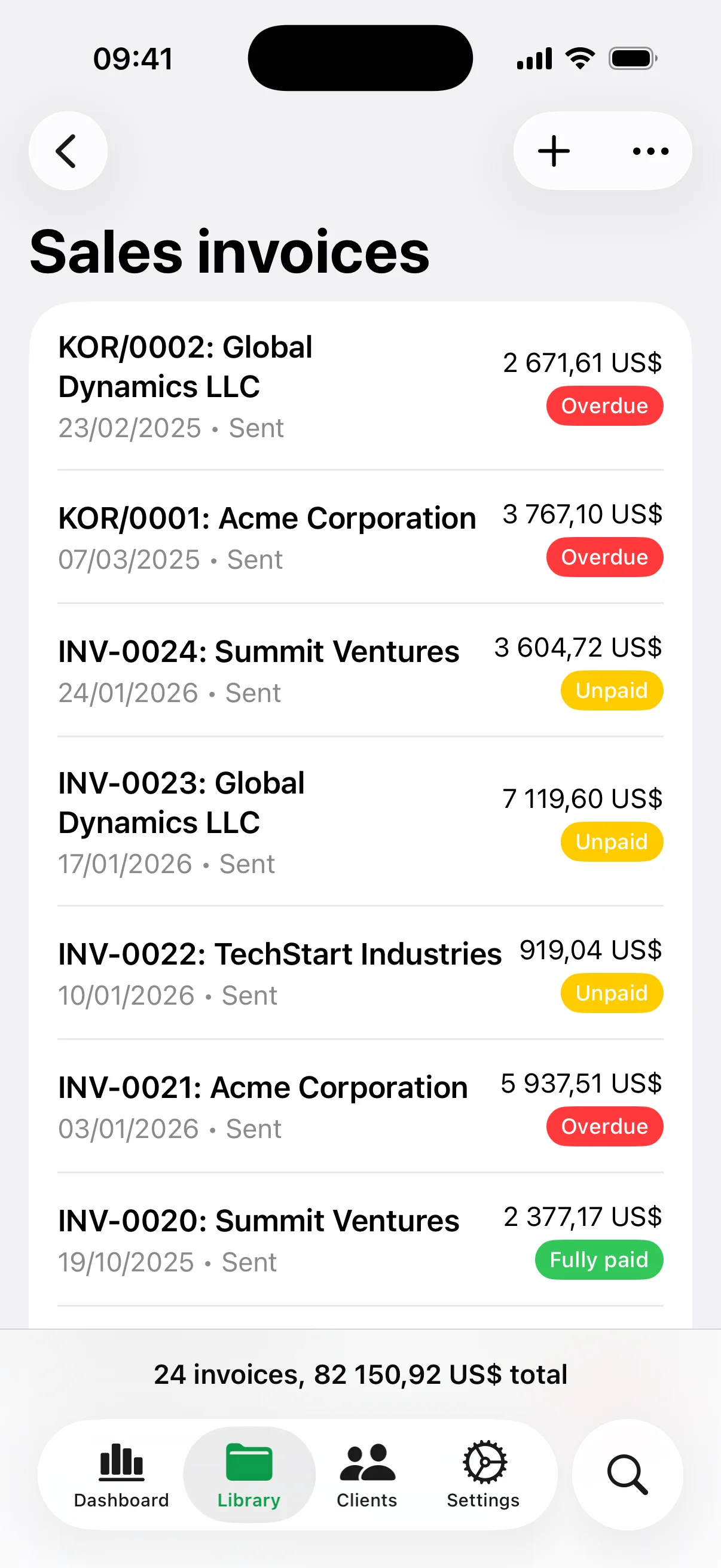
Invoice.app invoices on iPhone

Everything you need to manage your invoicing

From invoice creation to expense tracking, Invoice.app has you covered.

Invoice Creation

Create professional invoices, estimates, purchase orders, and credit memos in seconds.

Client Management

Organize your clients and access their details and history instantly.

Multiple CompaniesPremium

Manage invoices for multiple businesses from a single account.

Items Library

Save frequently used products and services for quick invoice creation, and add images that appear on your invoice PDFs.

Tax Management

Configure multiple tax rates and apply them automatically to your invoices.

Expense TrackingPremium

Track business expenses and keep your finances organized.

Document AttachmentsPremium

Attach supporting files and photos to your documents and expenses — contracts, receipts, delivery notes — all kept in one place.

Time TrackingPremium

Log billable hours and convert them into invoices effortlessly.

Payment Tracking

Monitor payment statuses and send reminders for overdue invoices.

Custom Fields & Logo

Personalize your invoices with your logo, custom fields, and notes.

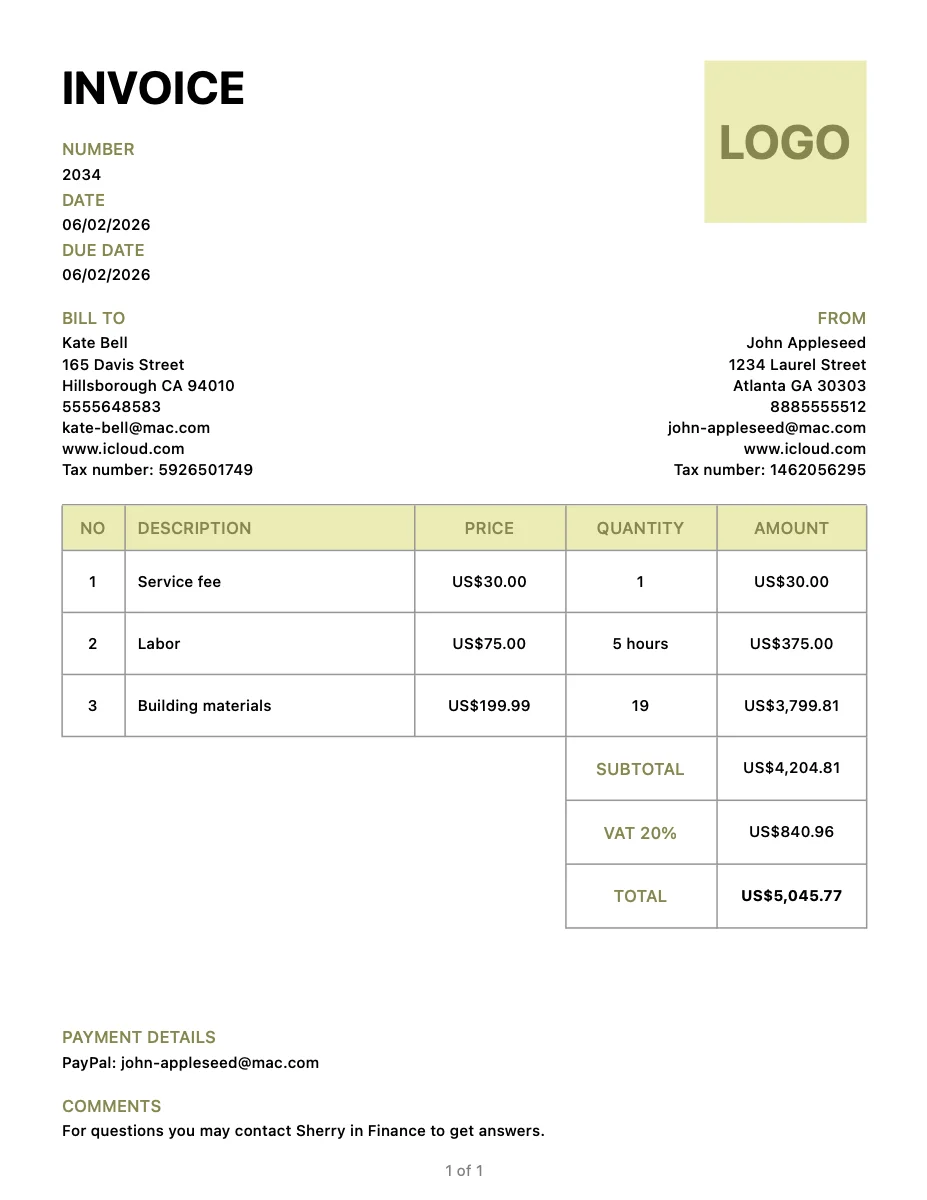
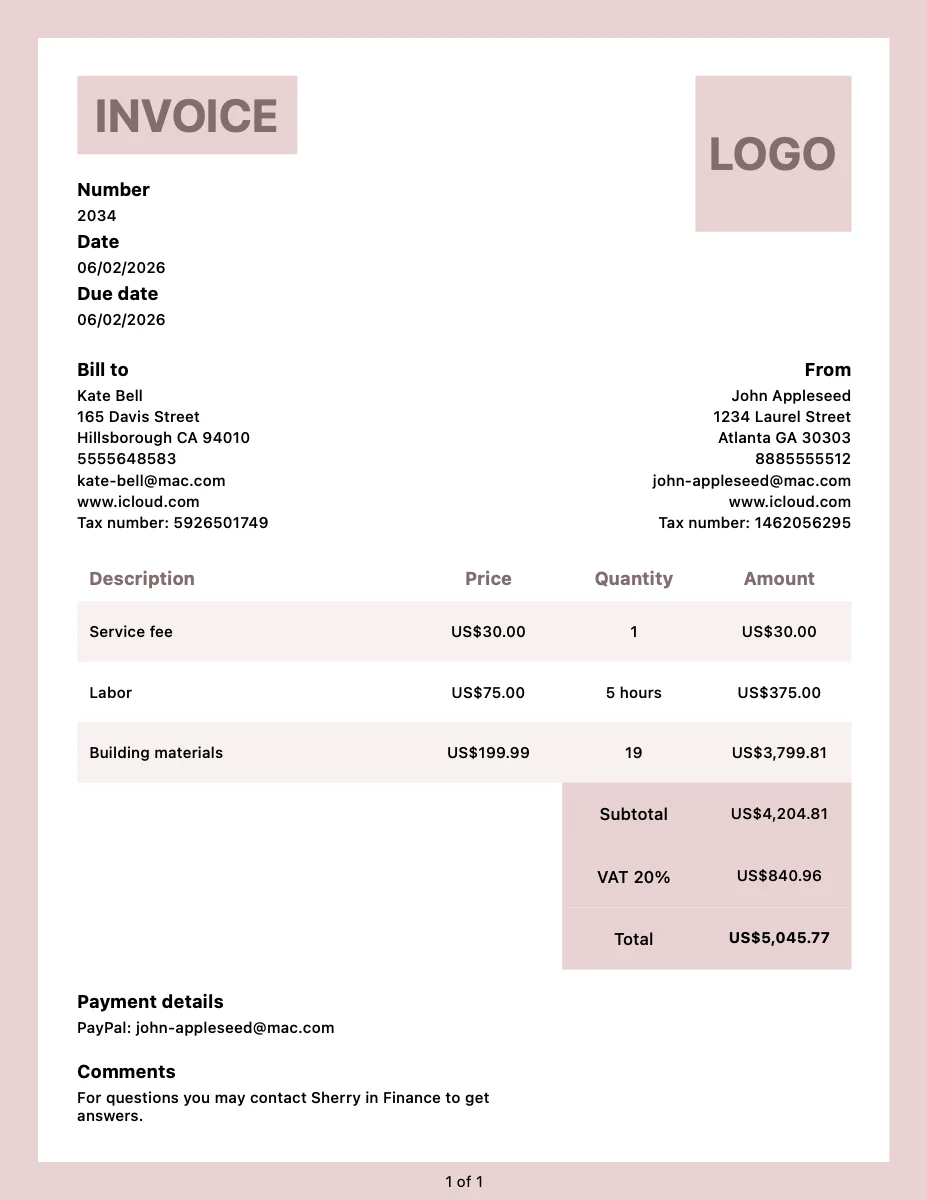
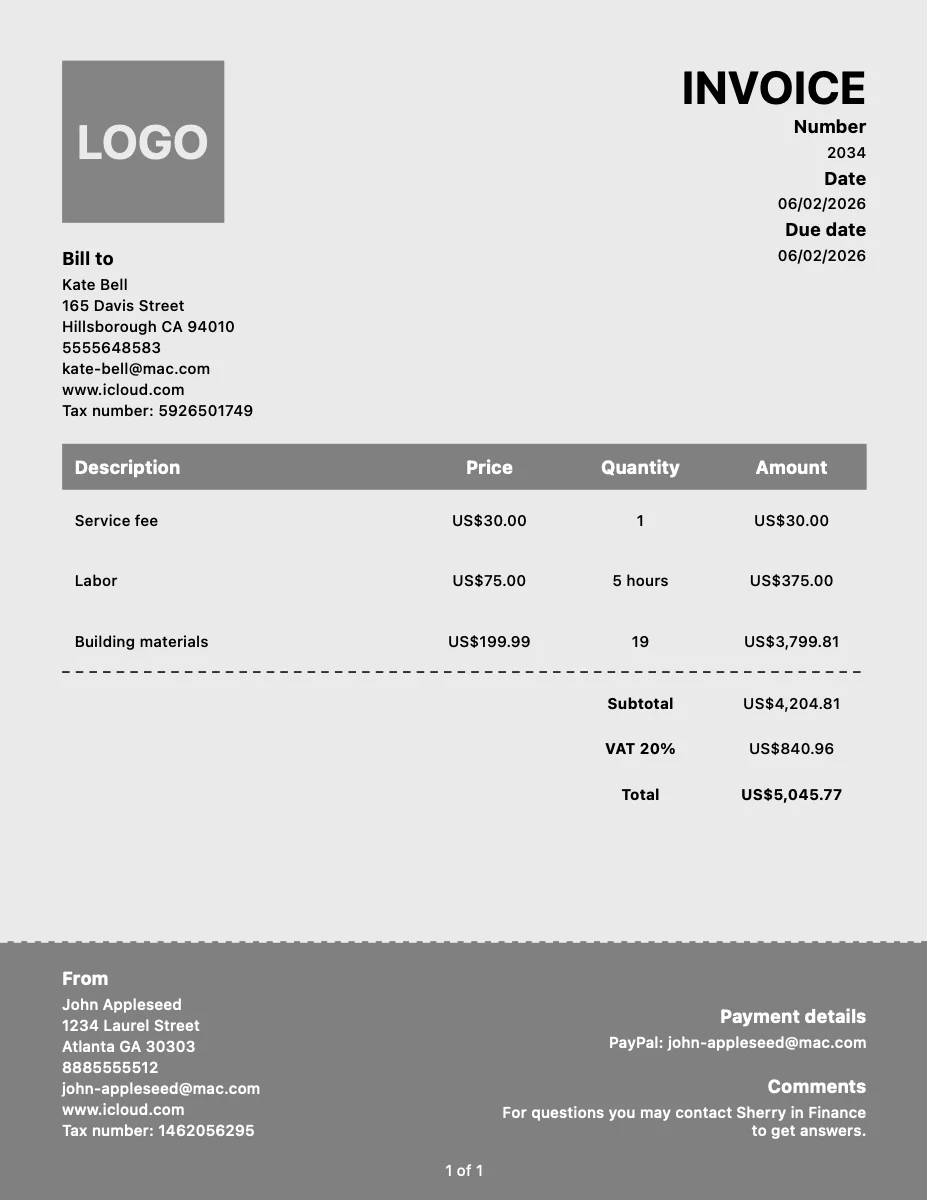
PDF Templates

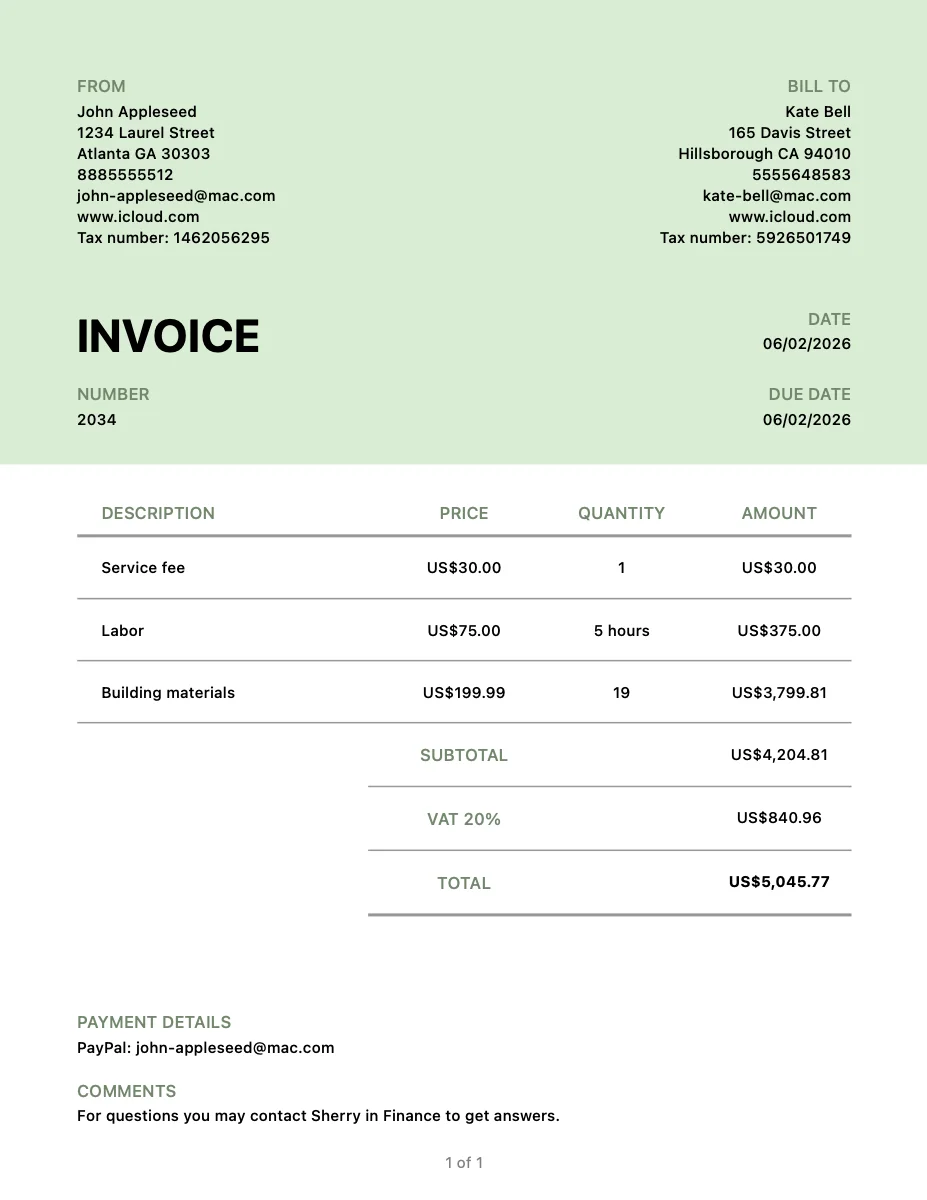
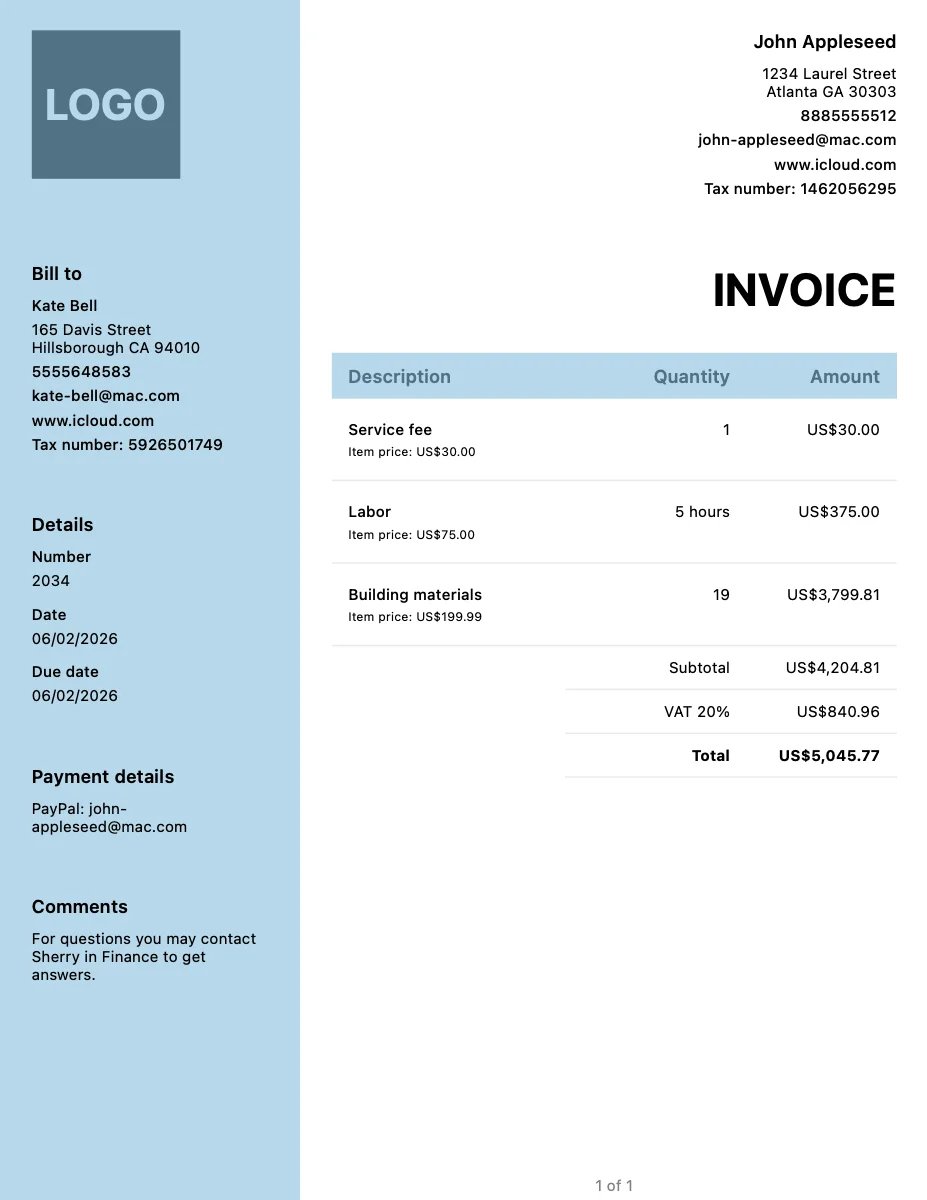
Choose from multiple professional PDF templates for your documents.

Signature

Draw your signature once and it appears on every document you send, with an optional line for your client to sign.

Dashboard & Analytics

Get insights into your revenue, outstanding payments, and business trends.

Cross-Device Sync

Access your data seamlessly across iPhone, iPad, Android, and the Web.

10 Languages

Create invoices in 10 languages — English, English (UK), Polish, German, Greek, Spanish, French, Norwegian, Swedish, and Ukrainian.

KSeF Integration

Submit and receive e-invoices through Poland's National e-Invoicing System.

ZUGFeRD & XRechnung

Generate Germany's ZUGFeRD and XRechnung e-invoices, compliant with European standard EN 16931 — and import the ones you receive.

Backup & Import

Export your data for safekeeping or import existing invoices to get started.

Accountant ExportPremium

Bundle a period's invoices and expenses into a single ZIP and share it with your accountant via a download link.

Frequently Asked Questions

Everything you need to know about Invoice.app.

Invoice.app offers a free tier that includes 3 invoices and 3 clients. Paid plans start at $1.99/month for unlimited invoices and more features.

Invoice.app is available on iOS, iPadOS, macOS, Android, and the Web. Your data syncs automatically across all your devices.

All data is transmitted over SSL encryption and stored on secure Google Cloud servers. We never sell your data to third parties, and we are fully GDPR compliant.

Yes. Invoice.app supports Poland's KSeF — submission, synchronization, QR code generation, and status tracking — and Germany's ZUGFeRD & XRechnung: it generates EN 16931-compliant e-invoices as an XML-embedded PDF or standalone XML for public-sector recipients, and imports the ZUGFeRD and XRechnung e-invoices you receive from your suppliers.

Invoice.app supports 10 languages: English, English (UK), Polish, German, Greek, Spanish, French, Norwegian, Swedish, and Ukrainian — so you can create invoices for clients worldwide.

Yes! With the Premium plan, you can manage invoices for multiple companies from a single account.

Yes, you can export a full backup of your data at any time and re-import it on any device to migrate or restore your account.

Absolutely. There are no long-term contracts. You can cancel your subscription at any time, and you'll retain access until the end of your billing period.

Yes. On the Premium plan you can attach files and photos to documents and expenses — up to 5 per record, 10 MB per file, within 1 GB of storage. Attachments stay with the document and never appear on the generated PDF.